Export your data
You can save your conversations, pictures, videos, and companion details yourself, right from the app. This guide walks through each one.
Conversations: download the full chat as text
The quickest way to keep a whole conversation. You get a .txt file with every message
and its date.
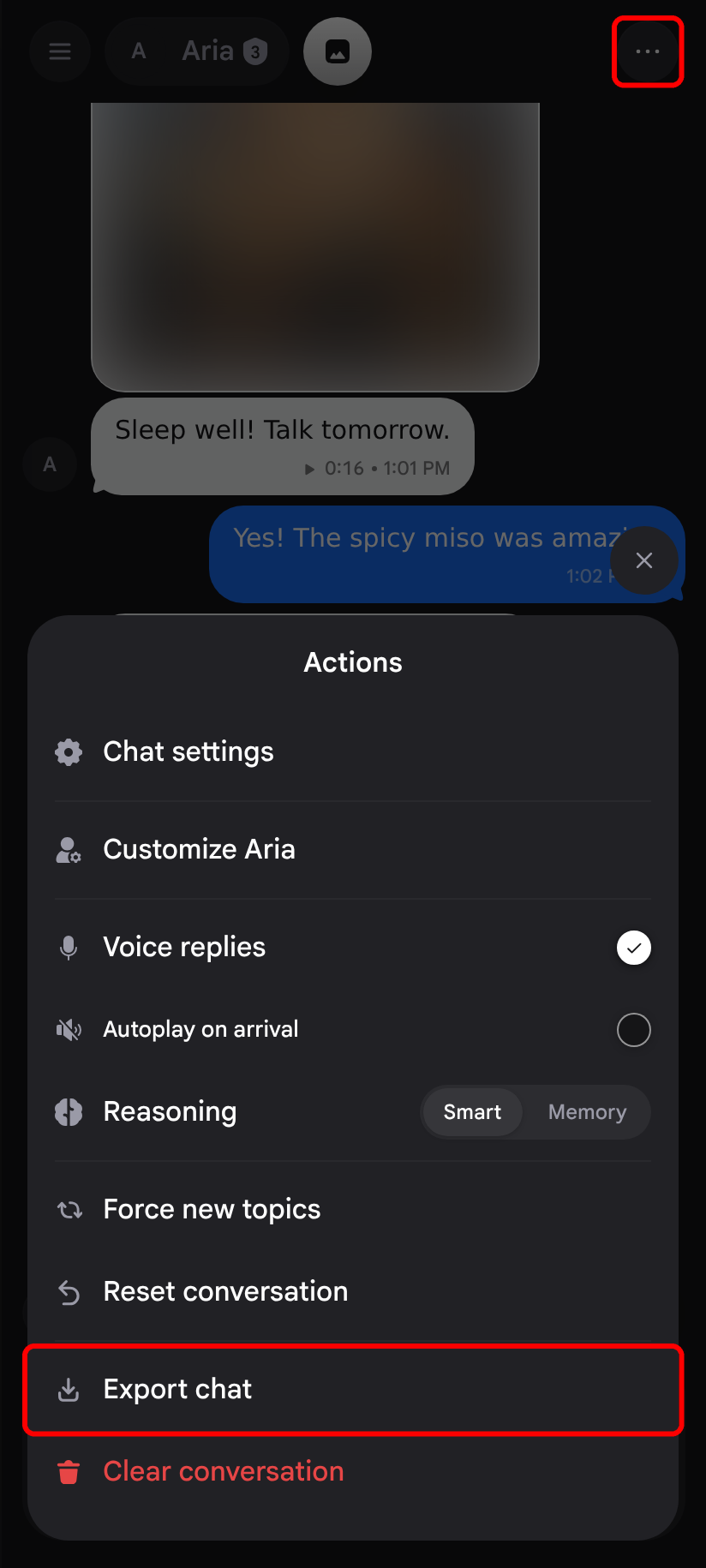
1. Tap Export chat
Open the chat, tap the More options button in the top-right corner, then tap Export chat .
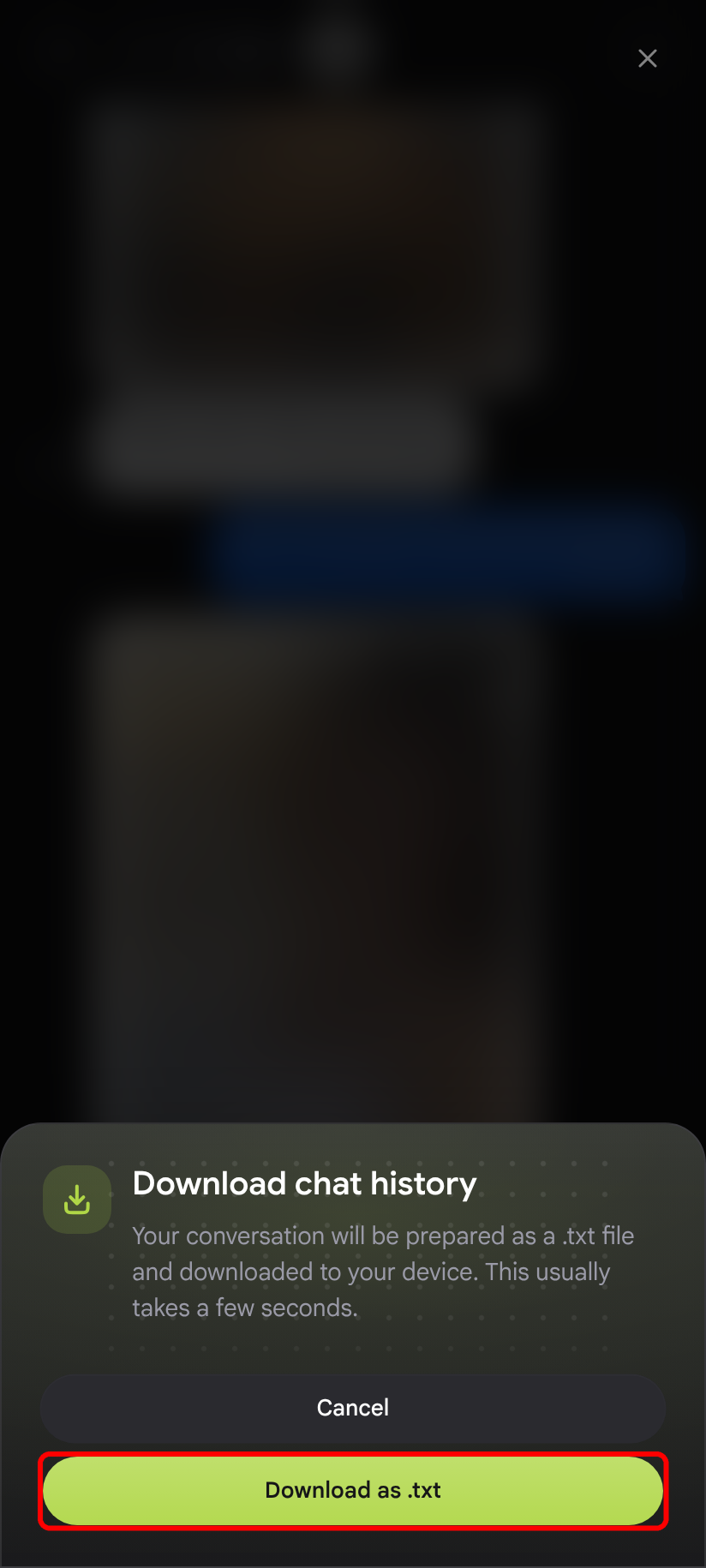
2. Download the file
Tap Download as .txt . The file is saved to your device after a few seconds. Repeat for each chat you want to keep.
Conversations: save messages as screenshots
Use this to keep part of a chat as images that look like the conversation in the app.
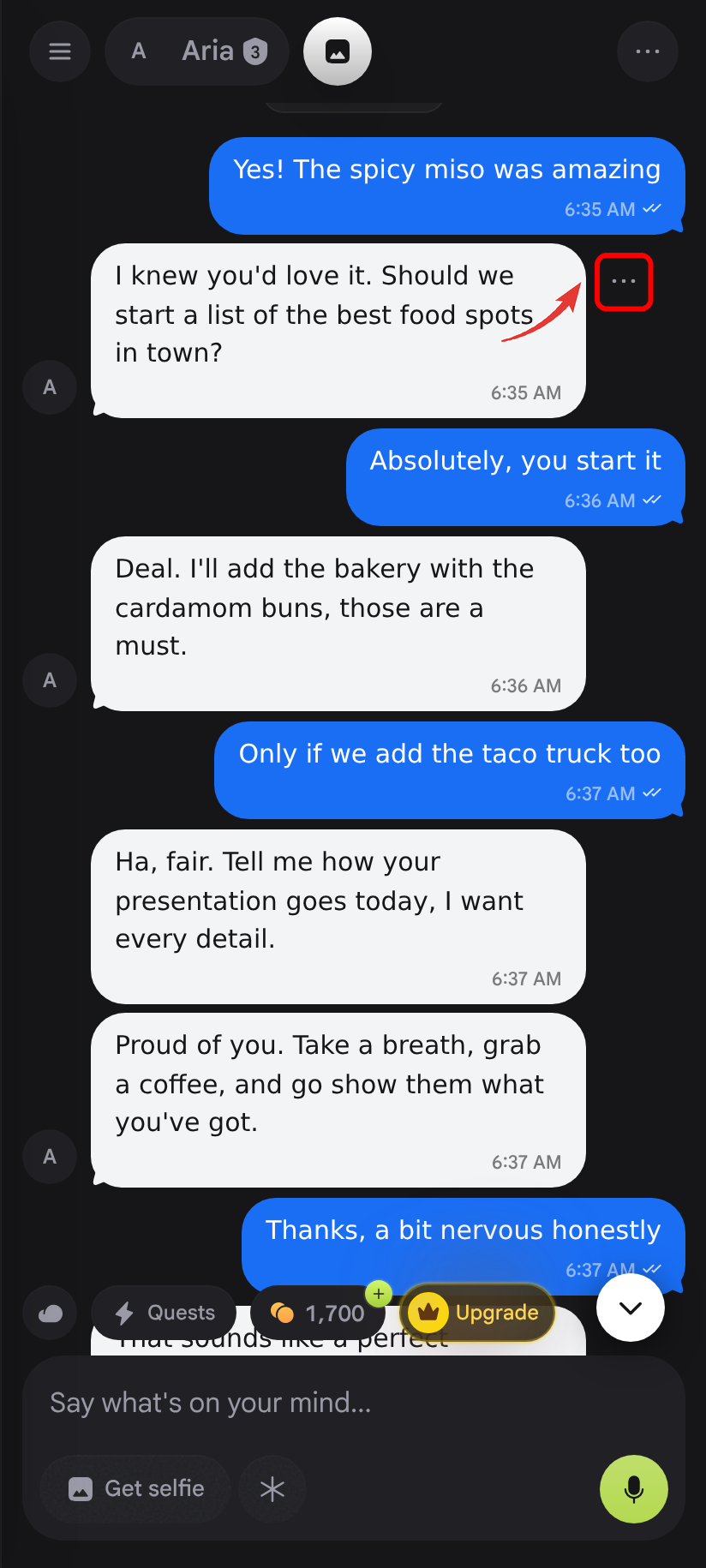
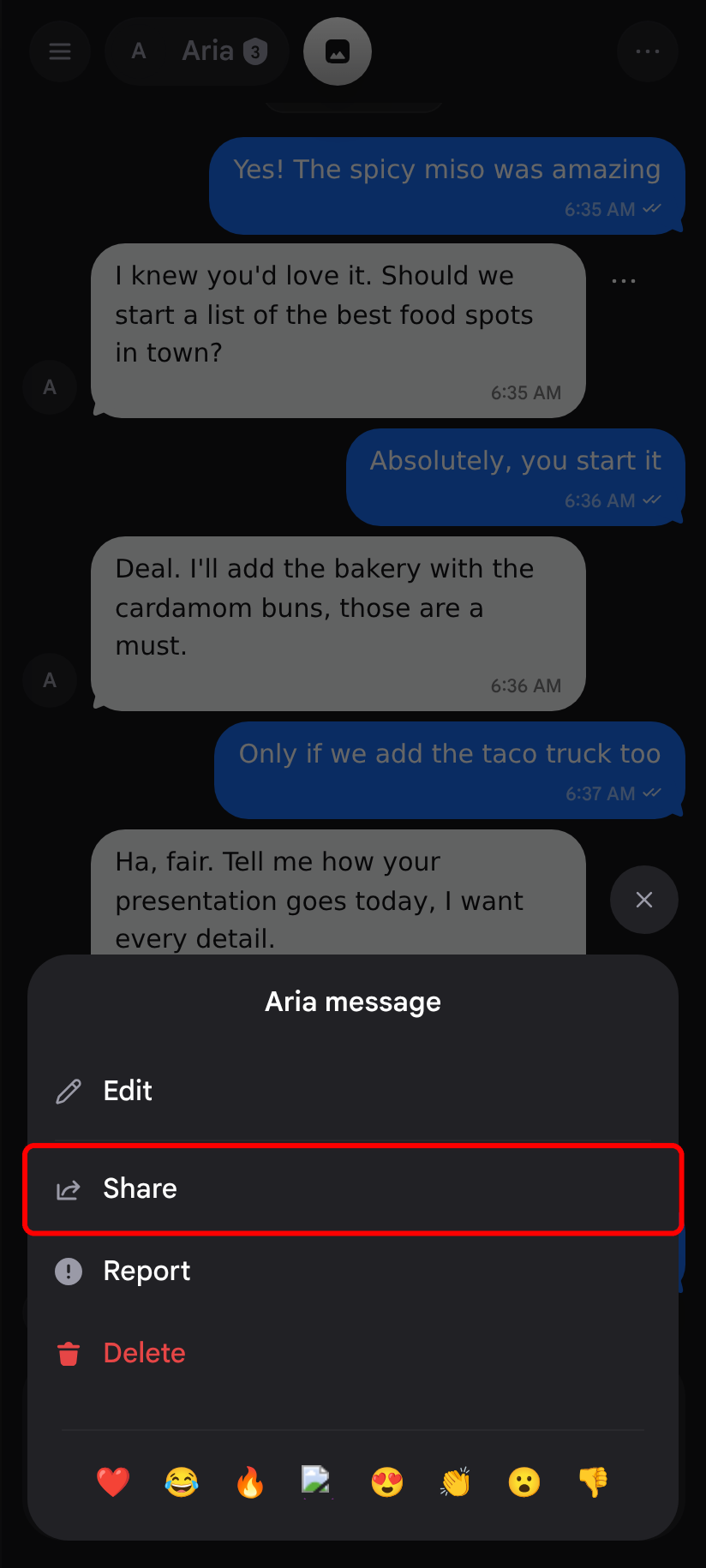
1. Open the message menu
Scroll to the first message you want to keep. Tap the message, then tap the ••• button that appears next to it.
2. Tap Share
In the menu, tap Share .
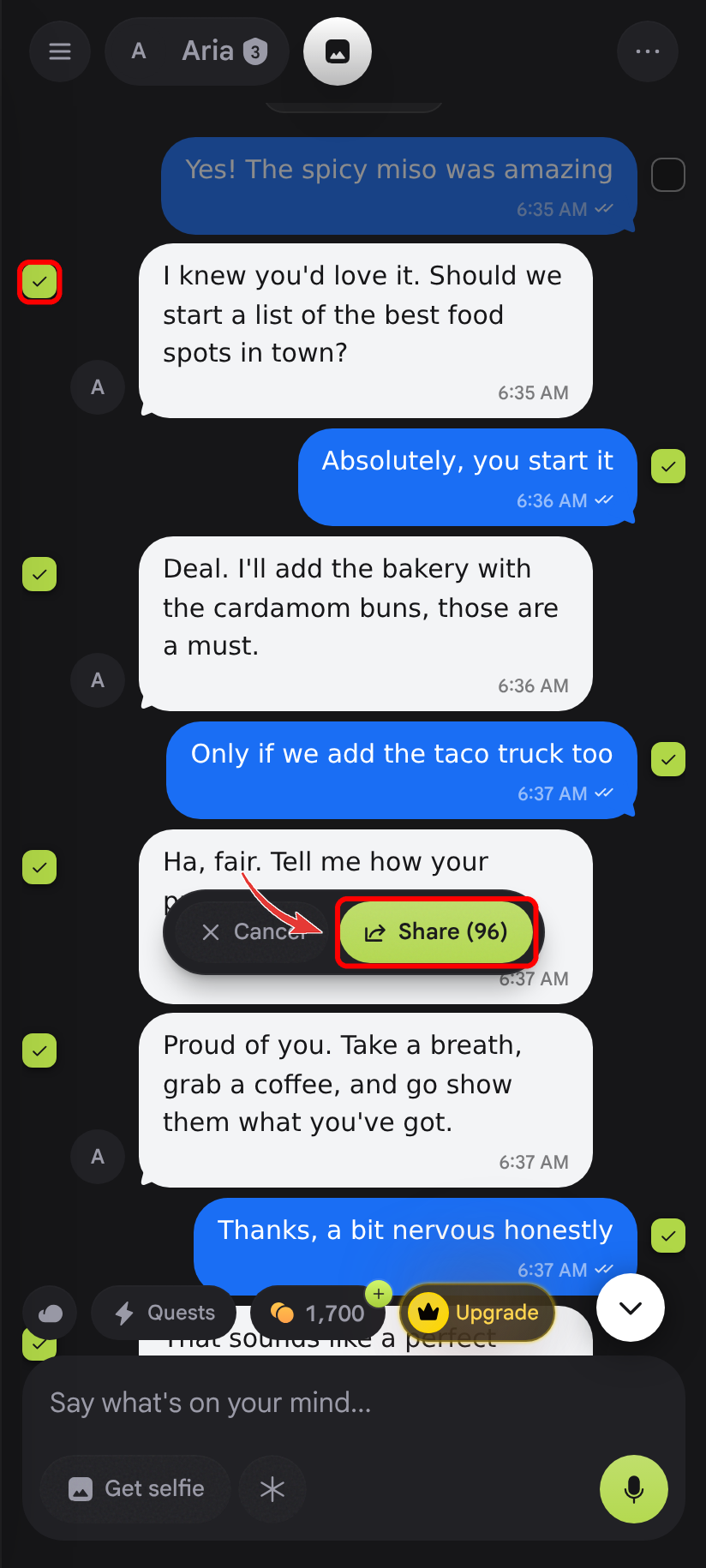
3. Choose the messages
That message and every message after it are now ticked. Untick any you don't want, then tap Share (the button shows how many messages are selected).
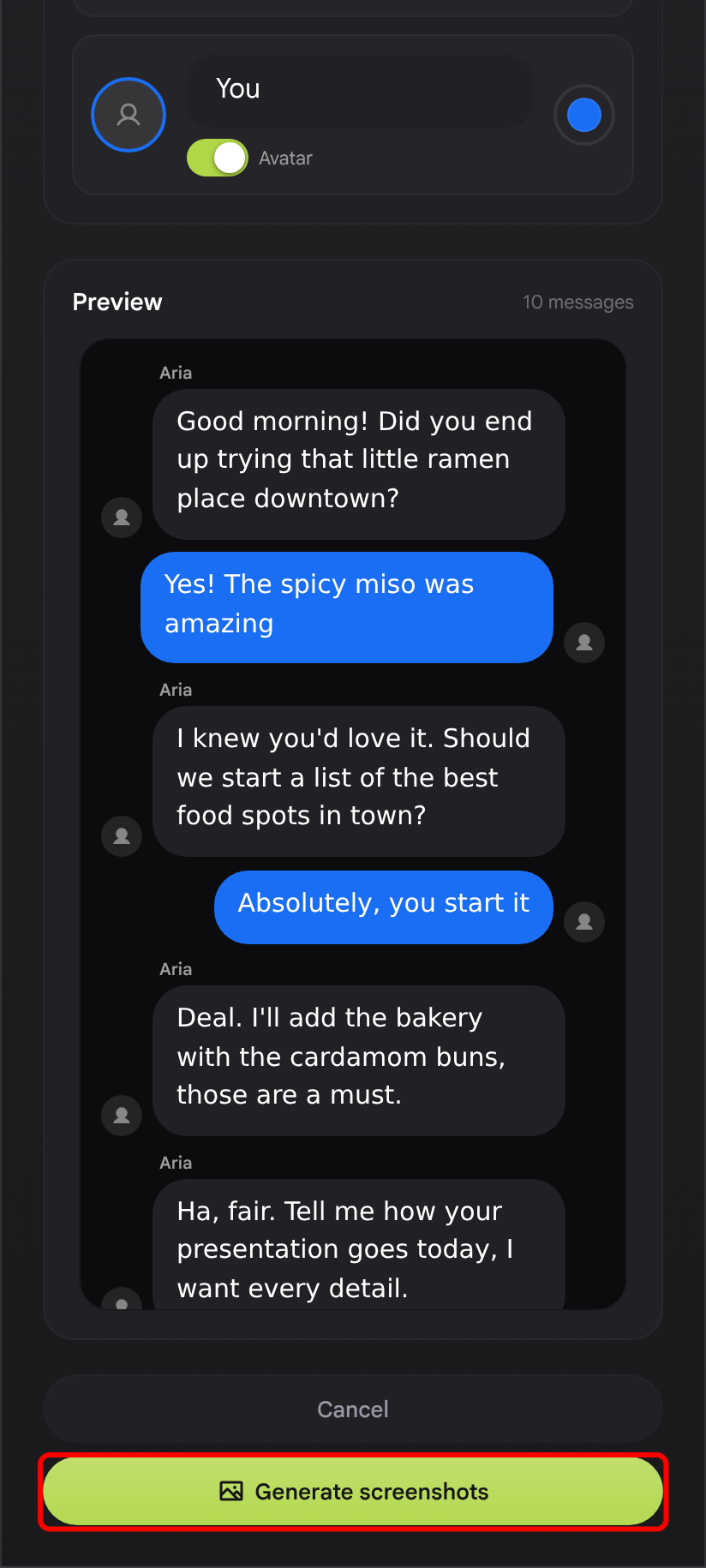
4. Generate the screenshots
In the Share conversation window you can change the background, names, and bubble colors. When you're ready, tap Generate screenshots .
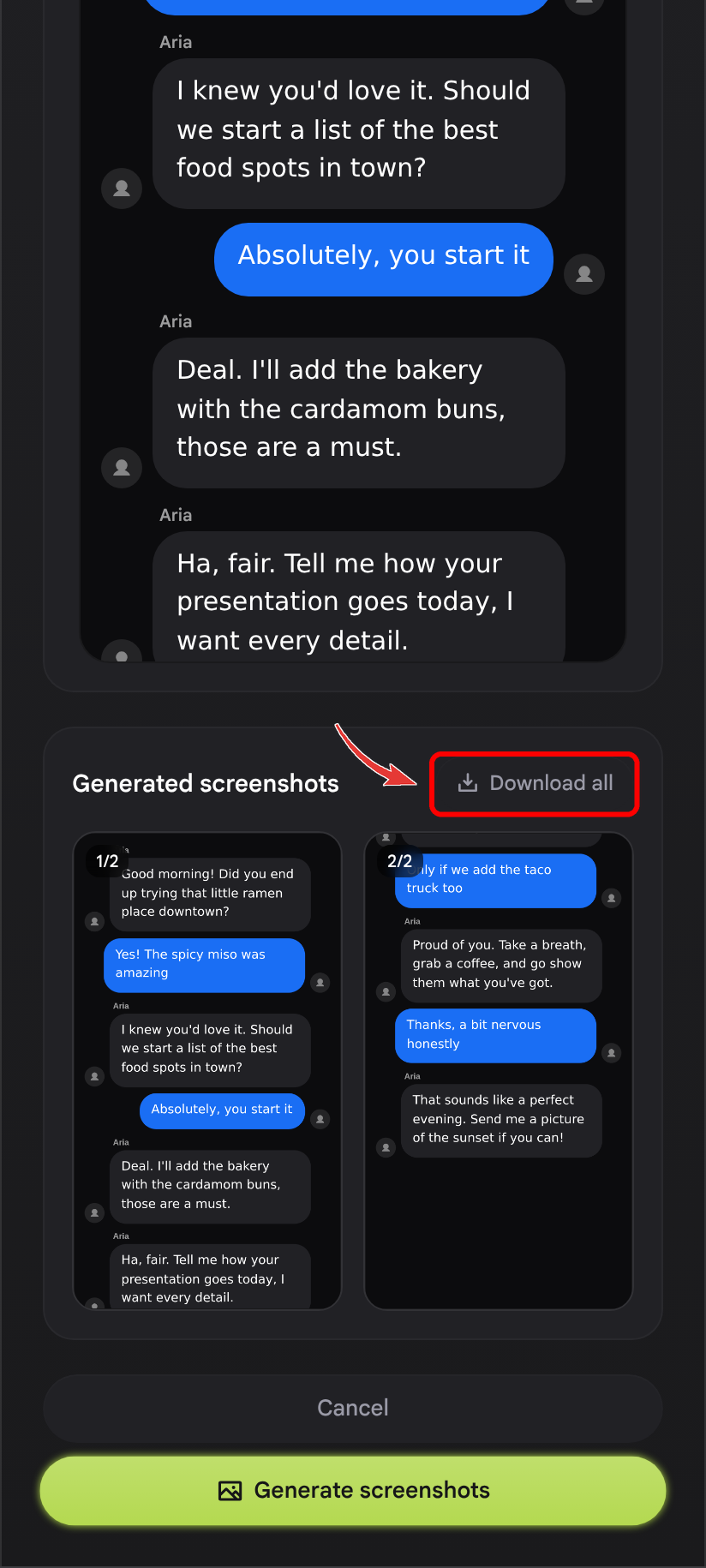
5. Download them
Under Generated screenshots, tap Download all . Each screenshot is saved as a separate PNG. Repeat for each chat.
Pictures and videos
Your gallery shows the pictures and videos of the companion you're chatting with. Open the gallery from the picture button at the top of the chat.
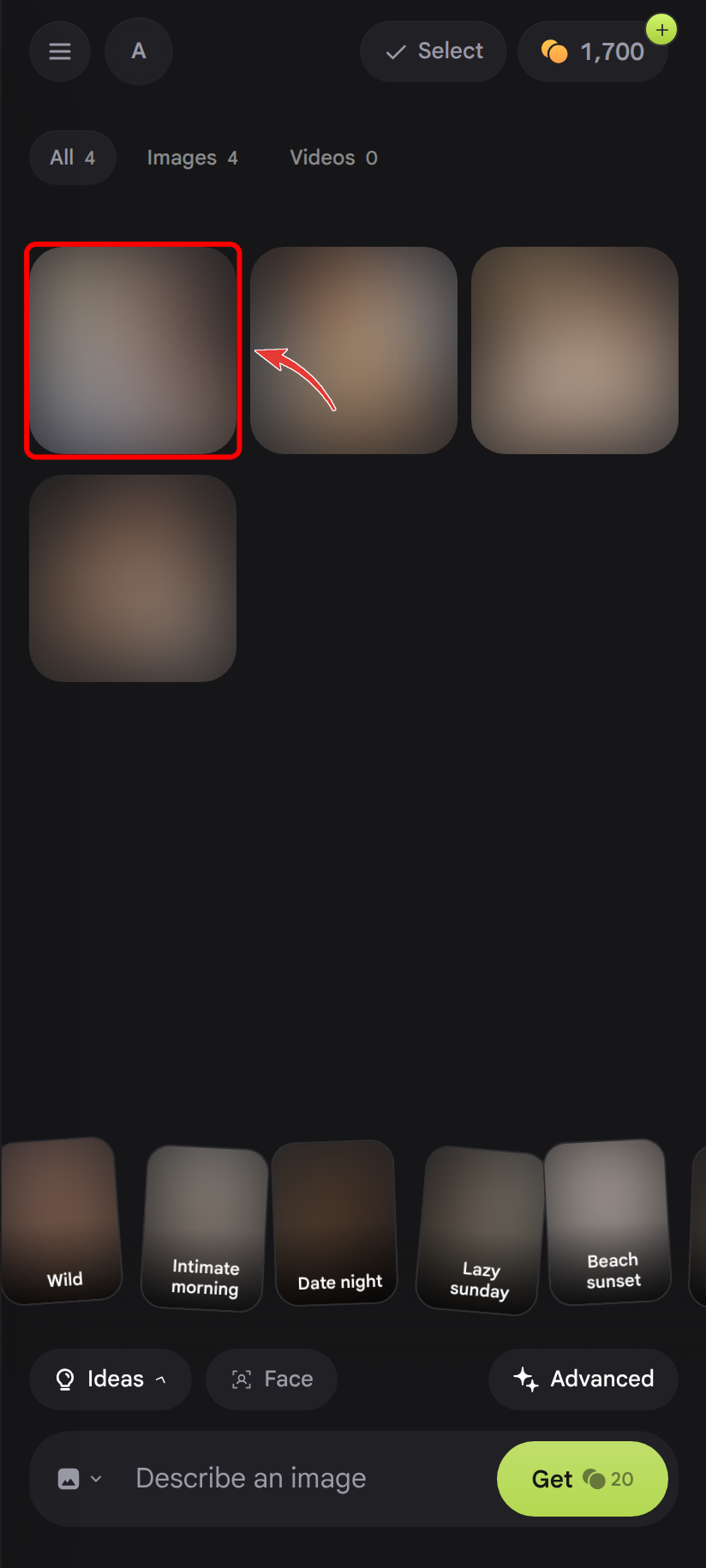
1. Open a picture or video
In the gallery, tap the item you want to save.
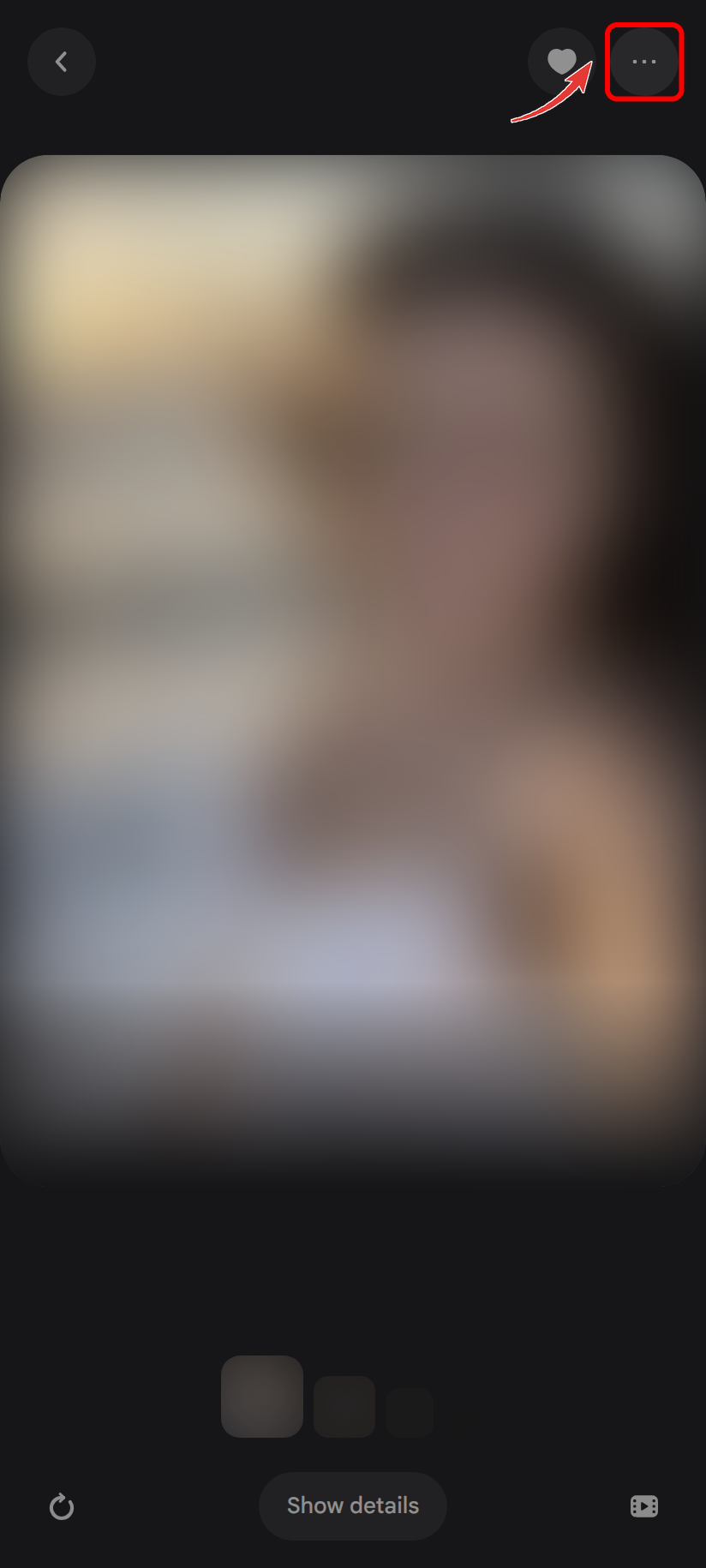
2. Open the actions menu
Tap the ••• button in the top-right corner.
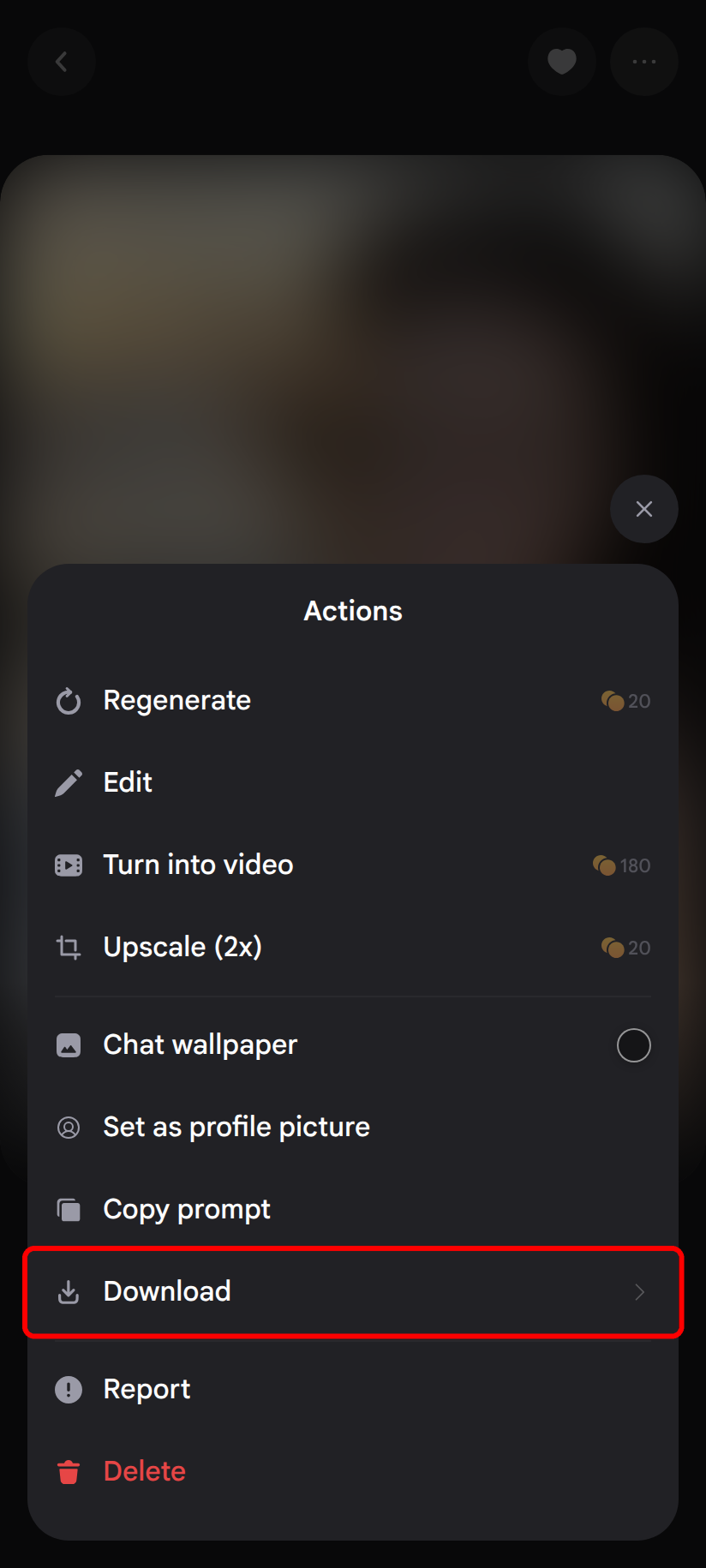
3. Tap Download
In the Actions sheet, tap Download .
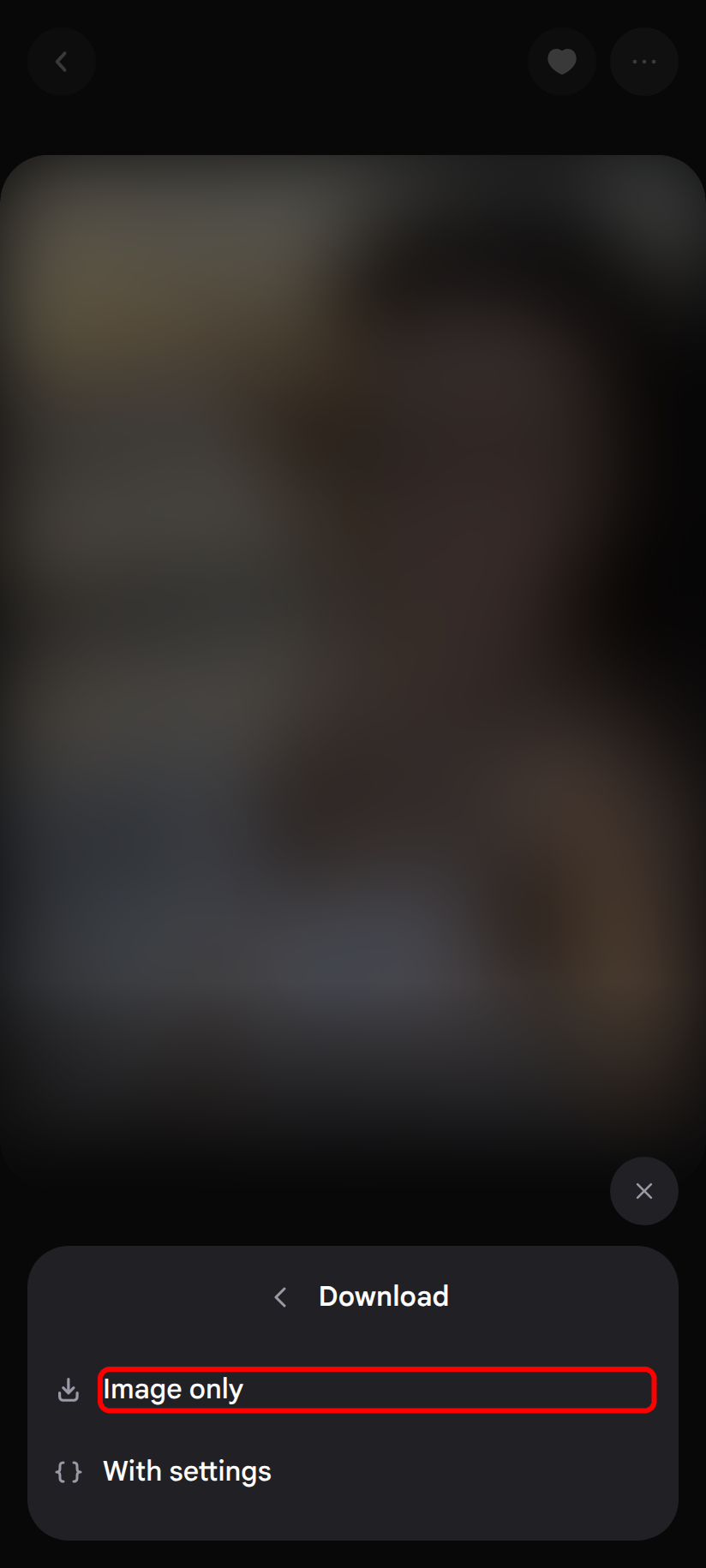
4. Pick the format
Tap Image only (or Video for a video). With settings also saves a text file with the picture's prompt and settings.
Save many at once
Back in the gallery, tap Select , then All (or tap the items you want). Tap the download button, then Images only. Four or more items are saved as one
.zipfile. Switch companion and repeat to save their gallery too.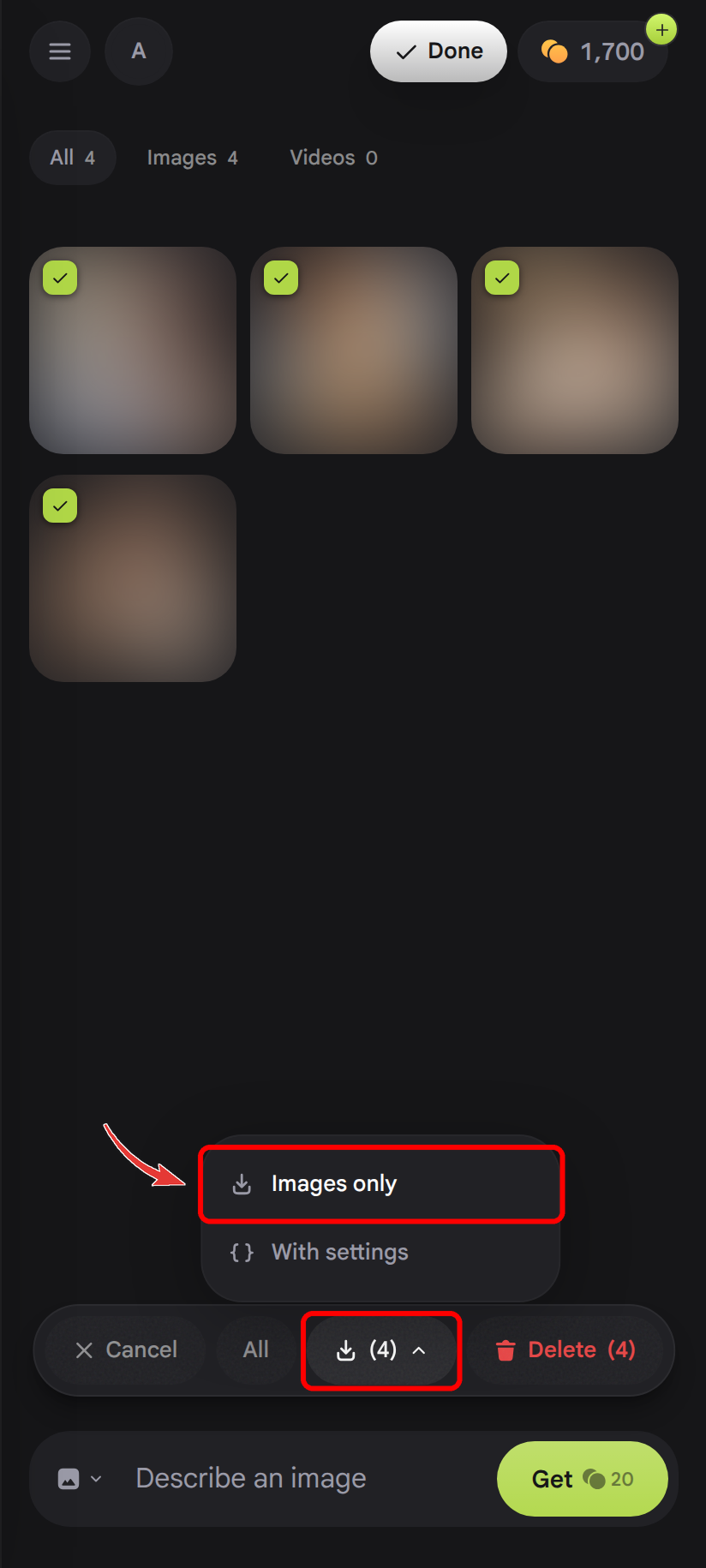
Companion profile
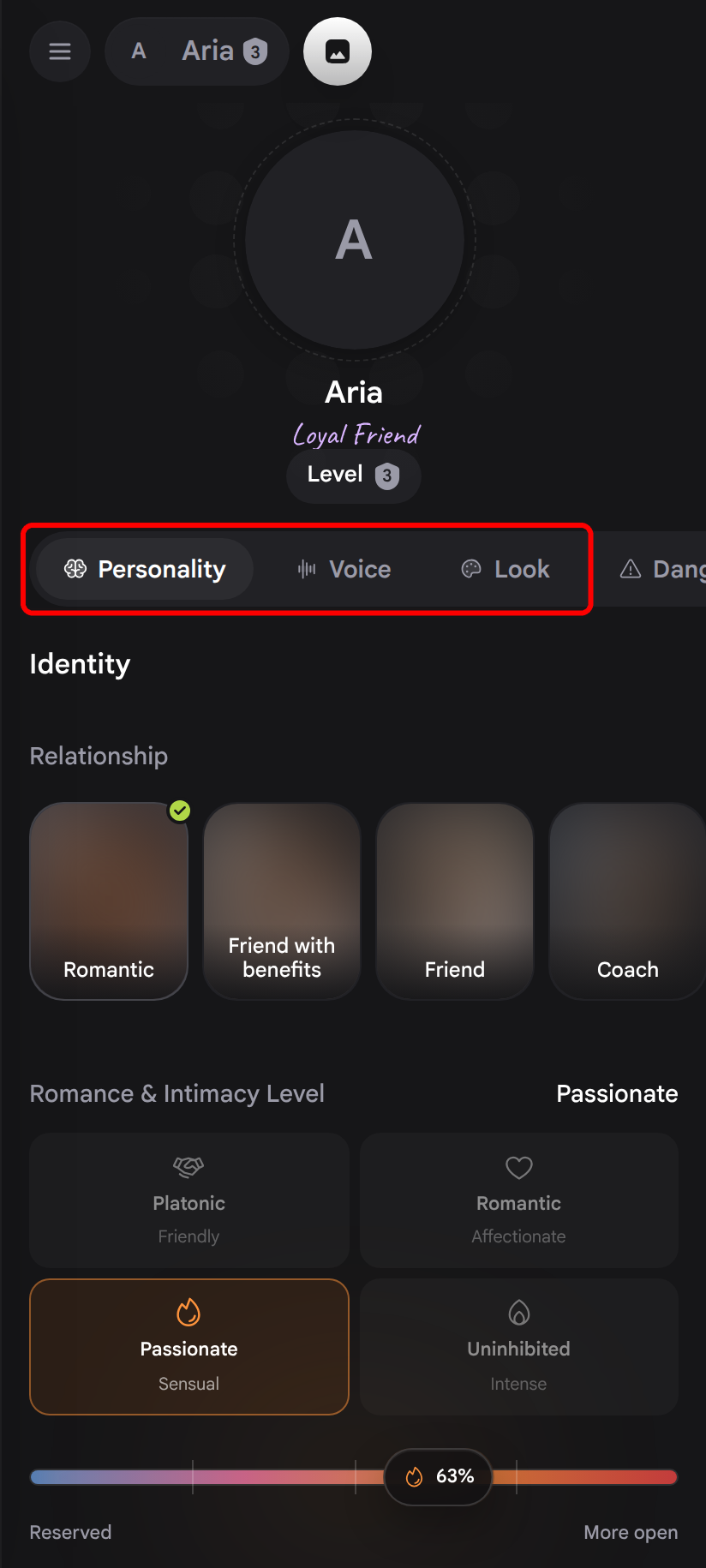
Copy your companion's details
Tap the companion's name at the top of the chat to open their profile. The Personality, Voice, and Look tabs show everything that defines them, such as their relationship, backstory, traits, and appearance. Copy the backstory and note the settings you want to keep.